About

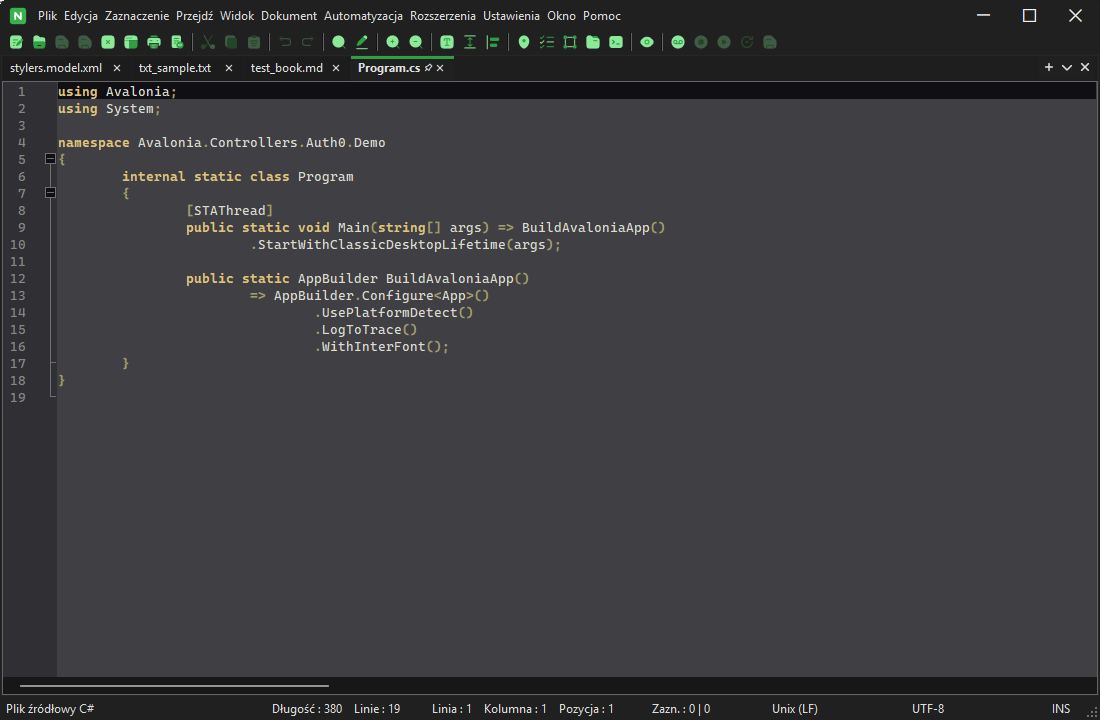
wxNote is a ground-up, cross-platform text editor built on wxWidgets and wxStyledTextCtrl (Scintilla/Lexilla). It runs natively on Windows, Linux, and macOS — on x64 and ARM alike — from one codebase, with its own plugin API, theming, User-Defined Languages, and full UI localization.

The project is licensed Apache-2.0, after starting on GPL v3 and relicensing once every Notepad++-derived file had been replaced and the plugin-ABI reproduction fully isolated into one optional module - purely to give users and downstream developers more freedom, with no commercial agenda behind it. That optional module (the Notepad++ plugin bridge) keeps its own GPL license, since it reproduces Notepad++'s ABI for interoperability.

Why wxNote

  • Cross-platform

    One codebase, native builds for Windows, Linux, and macOS - not a wrapper around a single platform's APIs.

  • Plugin-compatible

    An original, permissive "Nib" plugin API, plus an optional bridge that loads real compiled Notepad++ plugin DLLs on Windows.

  • Fully localized

    The entire UI - not just top-level menus - is translated into 8 languages, with more welcome via contribution.

  • Familiar, yet original

    Scintilla-powered editing you already know, inside a menu layout designed from scratch - not copied from any single editor.
By the numbers

  • 3

    Platforms - native on Windows, Linux, and macOS, x64 and ARM alike

  • 12

    Packages per release - every format, both CPU architectures

  • 8

    Languages - the whole UI is localized, not just the menus

  • 11

    Top-level menus, laid out from scratch - not a copy of any one editor

  • Apache-2.0

    Free, open source, and permissively licensed

Built with

Features

Editing & navigation

  1. Multi-cursor editing & smart selection

    Selection menu

    Select all occurrences, add or skip the next match, and a dedicated character panel - split out of Edit into its own menu.

  2. User-Defined Languages

    Document menu

    Define syntax highlighting for a language Scintilla doesn't ship out of the box, with full container-lexer styling and state recovery.

  3. Macros & automation

    Automation menu

    Record and replay editing macros, run external tools, and generate MD5/SHA hashes from the current selection or a file.

  4. Configurable shortcuts

    Settings menu

    Rebind any menu or editor command in the Shortcut Mapper, switch between shortcut schemes - or import your Notepad++ shortcuts.xml as one - all stored in a portable shortcuts.json.

  5. Print & print preview

    File menu

    A themed, live print preview with customizable header and footer macros, backed by Scintilla's own formatted-range printing.

Platform & compatibility

  1. Native on three platforms

    Windows · Linux · macOS

    One codebase, built on wxWidgets and Scintilla/Lexilla, packaged as an NSIS installer, an AppImage/.deb/.rpm/Flatpak, and a .dmg.

  2. Nib plugin API

    Extensions menu

    wxNote's own original, permissive, cross-platform plugin API for native extensions - no Notepad++ ABI required.

  3. Notepad++ plugin compatibility

    Windows only

    An optional GPL bridge loads real, compiled Notepad++-ABI plugin DLLs by reproducing the NPPM_* wire protocol.

  4. File-format compatible

    Import & export

    Reads and writes Notepad++'s own session, style-theme, and user-defined-language XML formats.

Screenshots

  • Several tabs open at once - a C++, a Python, and a JSON file, each with correct syntax highlighting

    Multi-document editing

    Editing

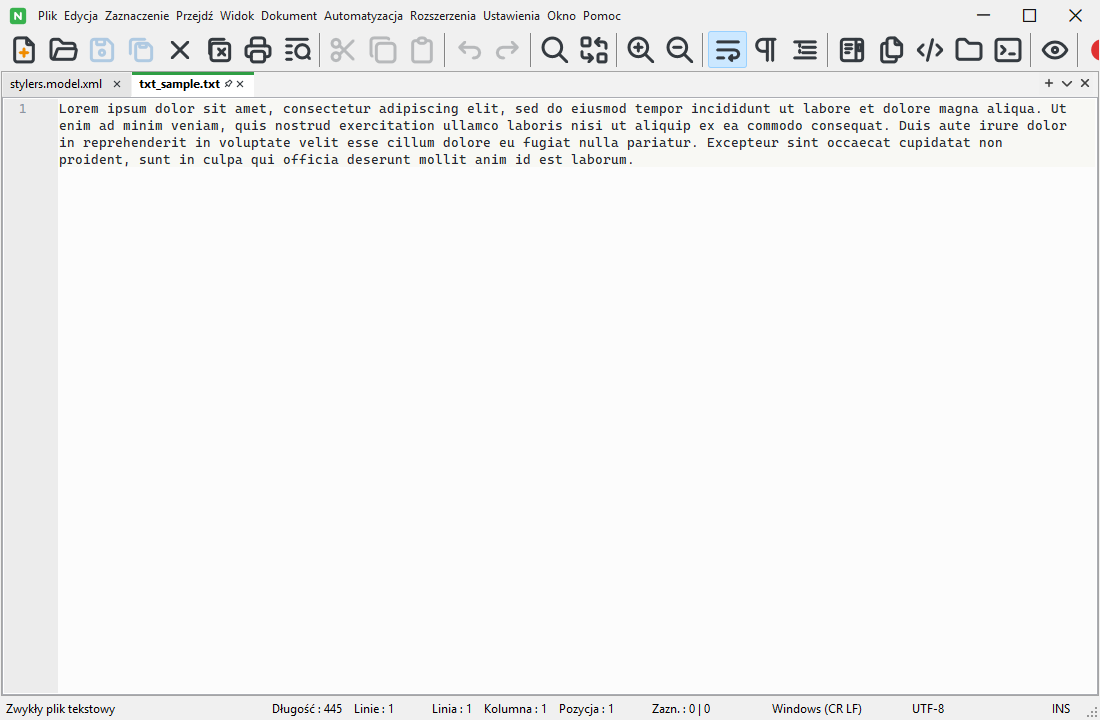
  • The light theme, editing a C++ file

    Light theme

    Themes

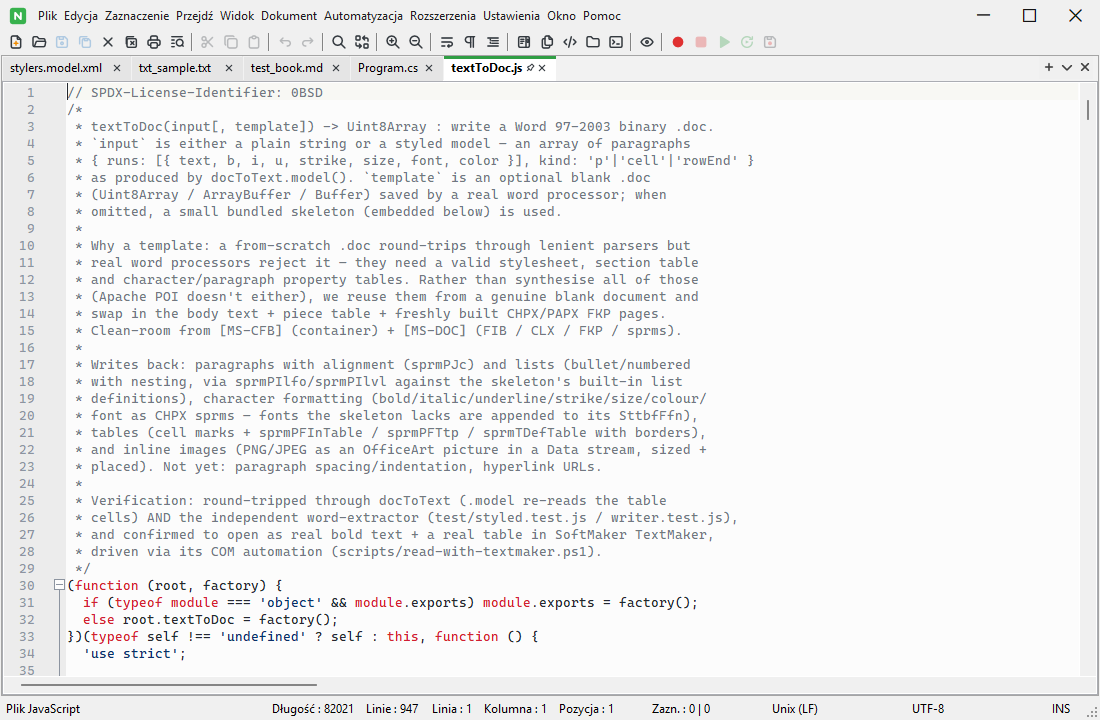
  • The Tabler toolbar icon pack, the theme-adaptive default of four selectable icon styles

    Tabler icon pack

    Themes

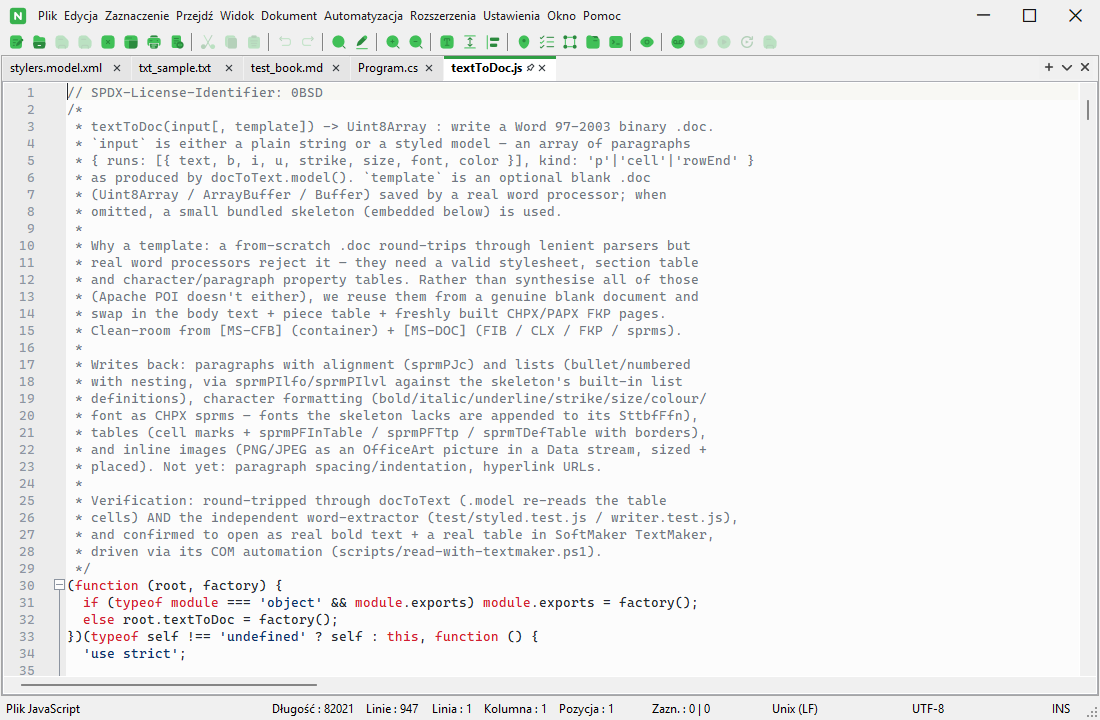
  • The Solar toolbar icon pack, one of four selectable icon styles

    Solar icon pack

    Themes

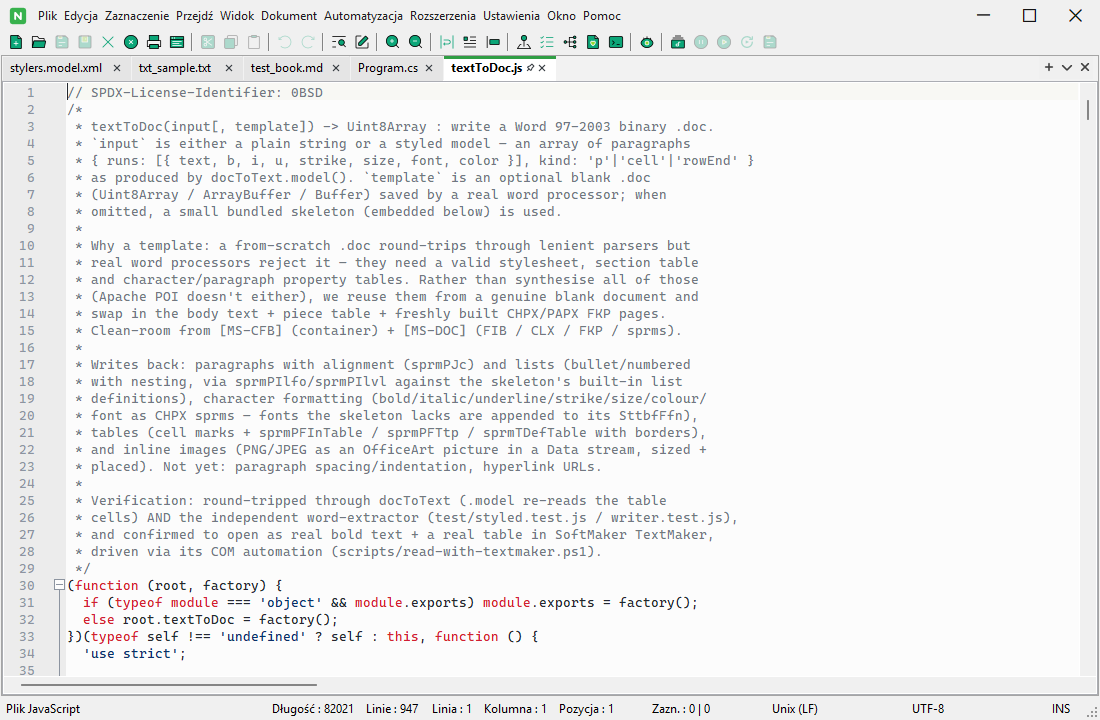
  • The IconPark toolbar icon pack, one of four selectable icon styles

    IconPark icon pack

    Themes

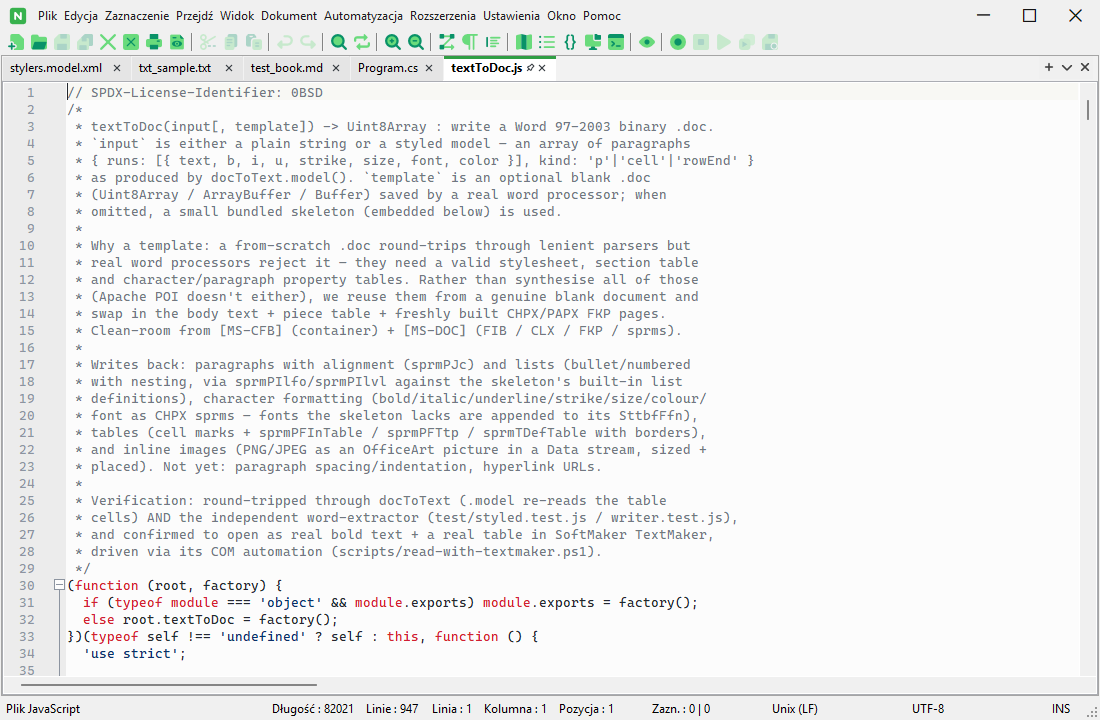
  • The Streamline toolbar icon pack, one of four selectable icon styles

    Streamline icon pack

    Themes

  • The toolbar at 32px icon size, the largest of four selectable sizes

    Large toolbar icons

    Themes

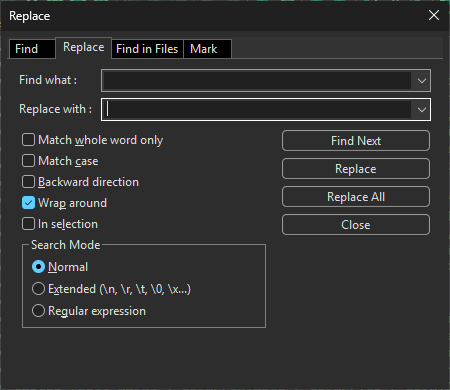
  • The Find and Replace dialog, with its Match whole word, Match case, and regular-expression options

    Find & Replace

    Editing

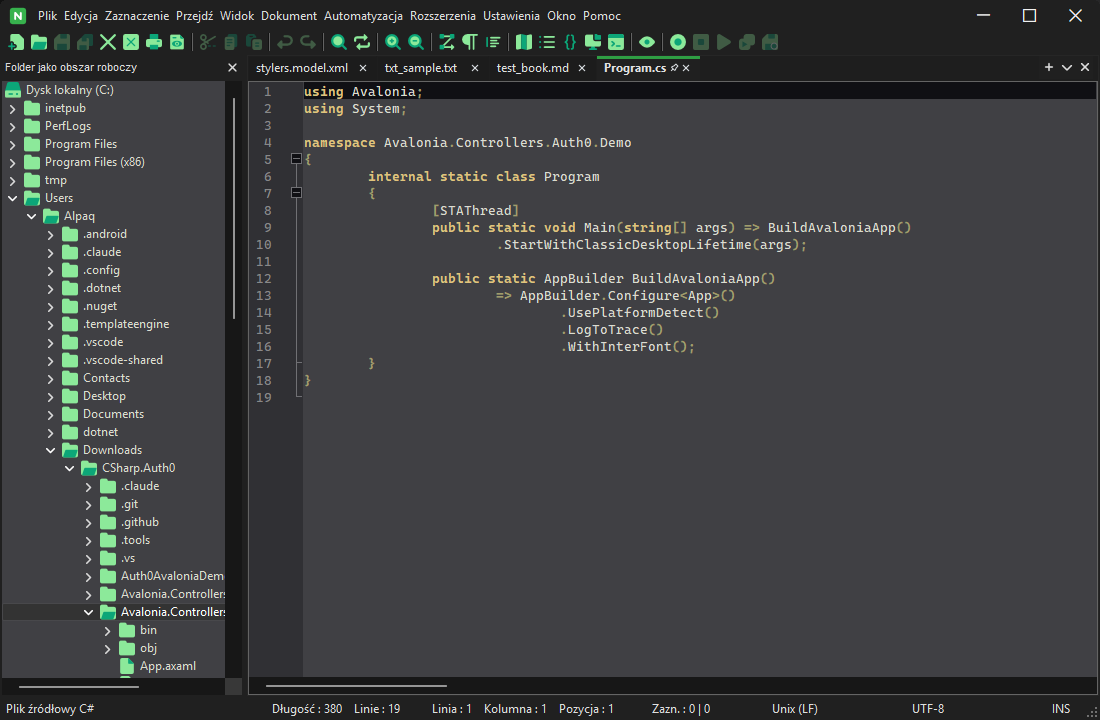
  • The Folder as Workspace panel, showing this project's own src/ directory tree

    Folder as Workspace

    Panels

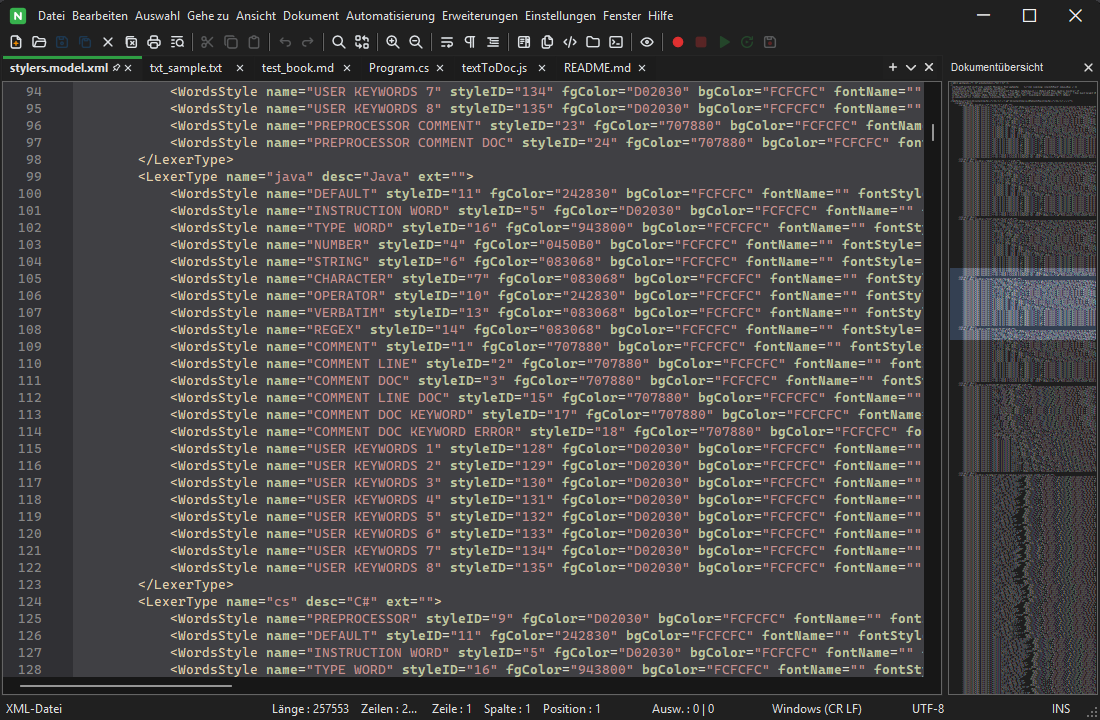
  • The Document Map panel, a zoomed-out overview of the whole file

    Document Map

    Panels

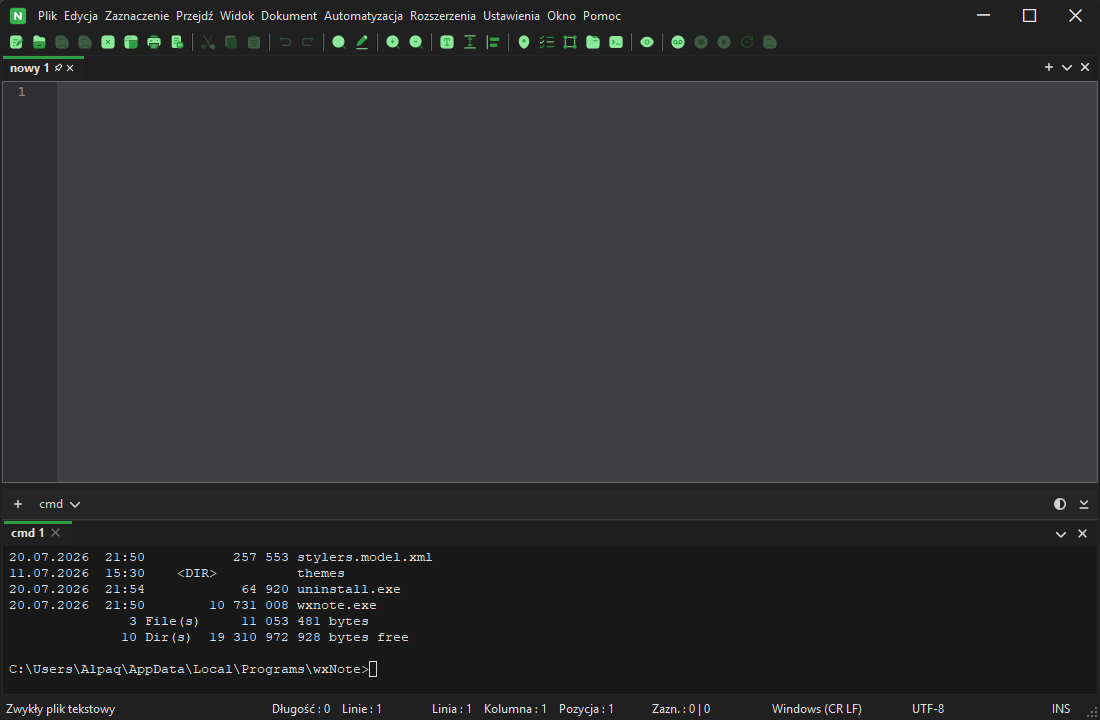
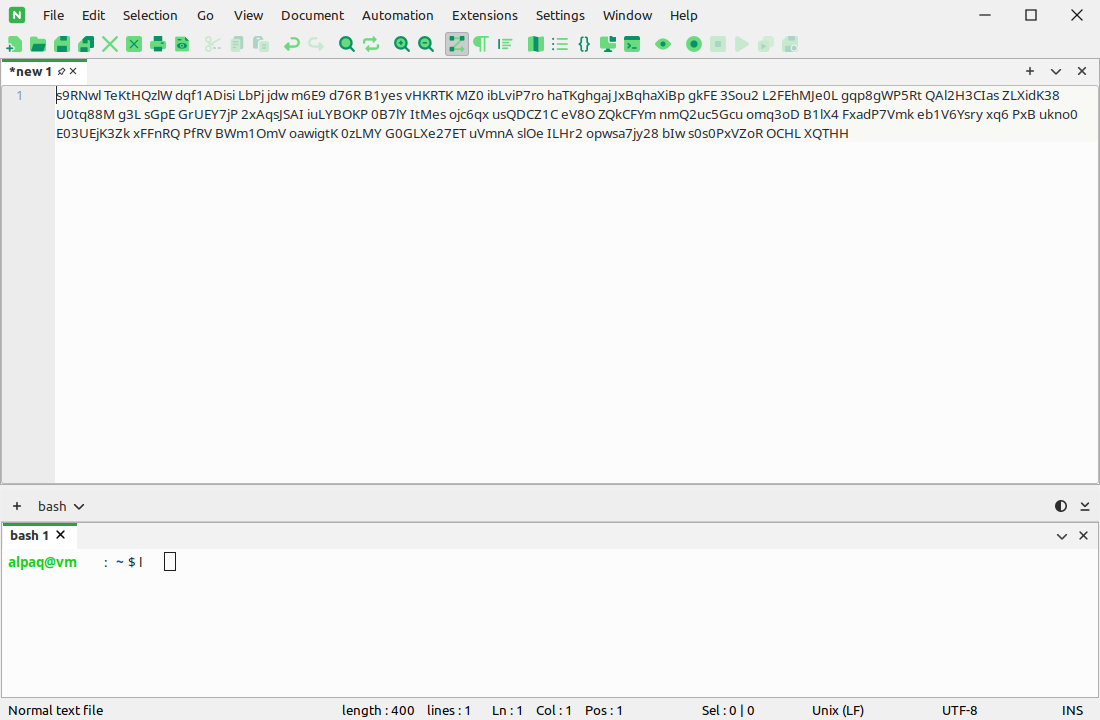
  • The integrated terminal panel, with shell tabs

    Integrated Terminal

    Panels

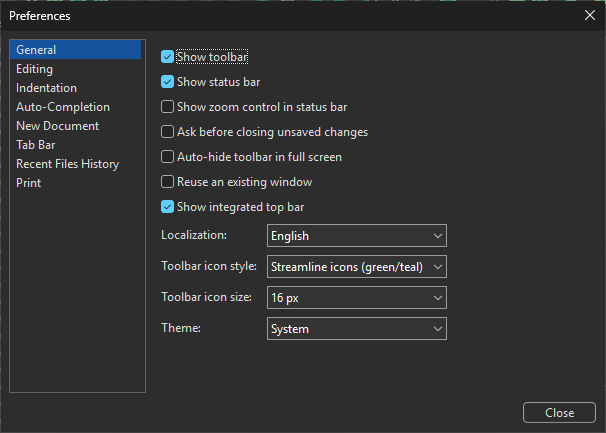
  • The Preferences dialog's General page, with the localization, toolbar icon style, and theme options

    Preferences

    Panels

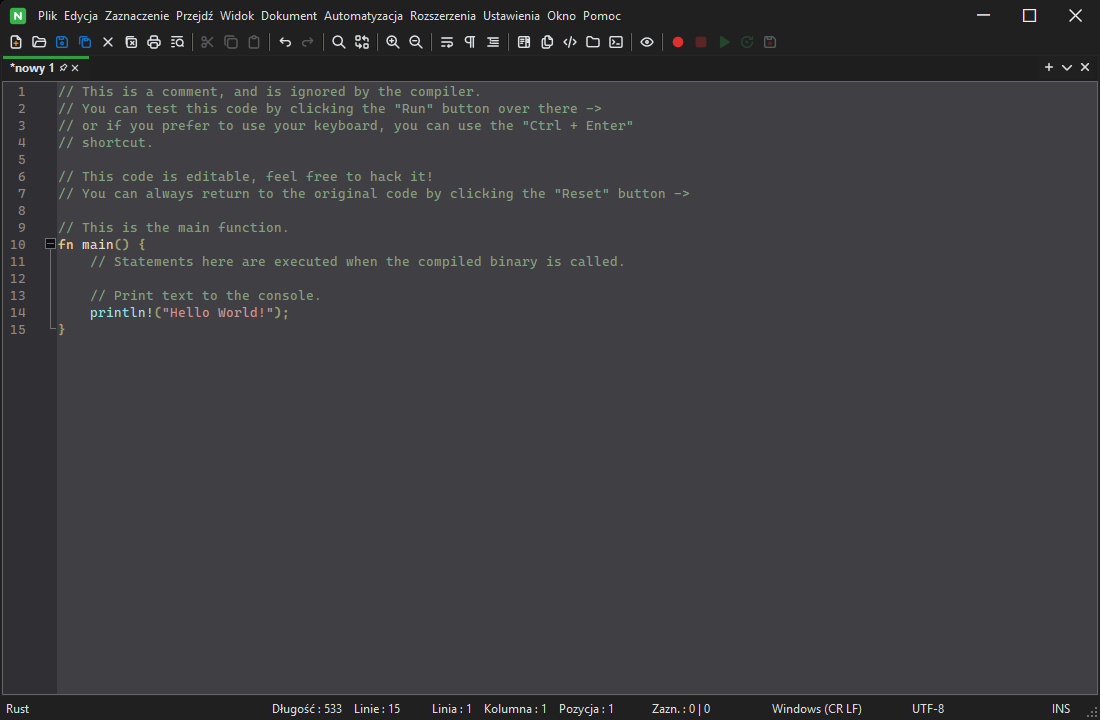
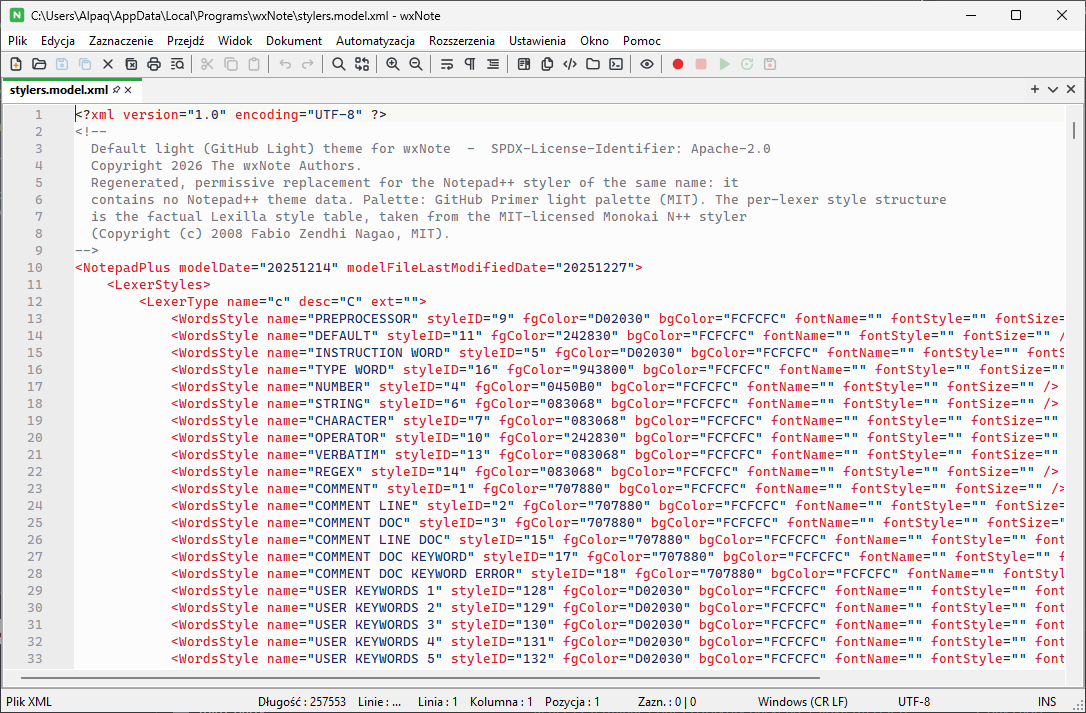
  • wxNote running natively on Windows

    Native on Windows

    Platforms

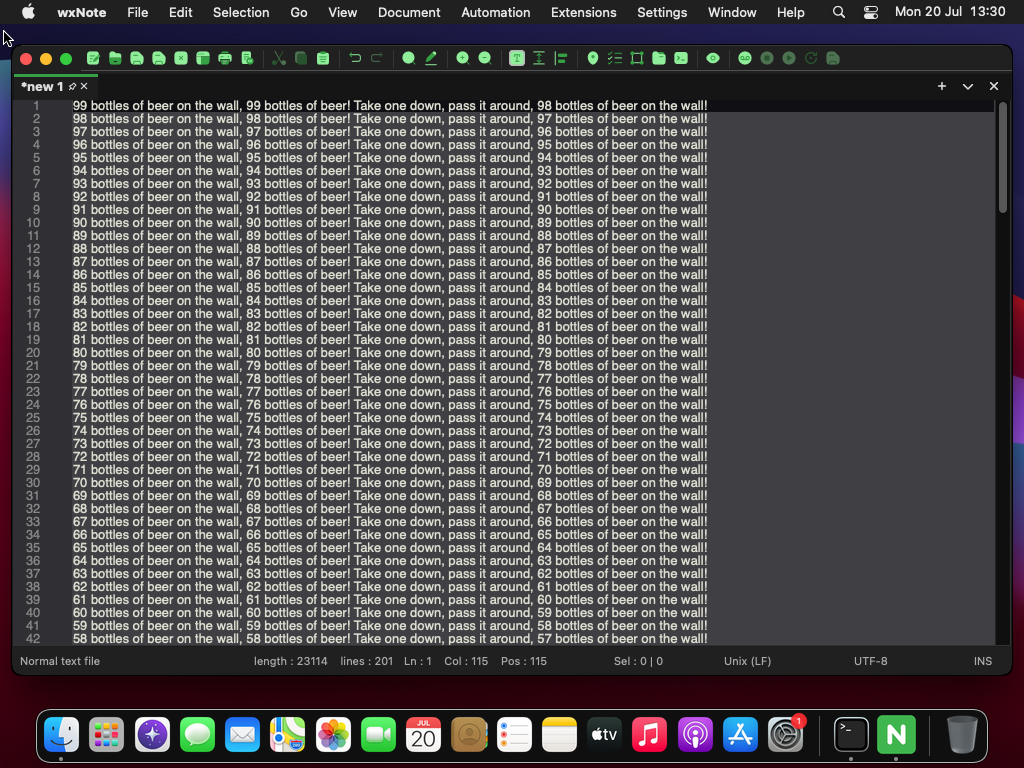
  • wxNote running natively on macOS

    Native on macOS

    Platforms

  • wxNote running natively on Linux

    Native on Linux

    Platforms

Download

Latest release

Loading…

Release notes

Prefer to build it yourself? See the build instructions in the README.